
Cameo NanoBeam 600 Bedienungsanleitung
PDF-Handbuch · 60 Seiten
Deutsch



Schnelle Überprüfung
Falsche Antwort, bitte versuchen Sie es erneut.
Chatten Sie mit Ihrem Cameo NanoBeam 600-Handbuch mithilfe von KI
Erhalten Sie sofortige KI-Antworten aus Ihrem Cameo NanoBeam 600-Handbuch
Fragen Sie alles über Cameo NanoBeam 600. Antworten stammen aus diesem Handbuch, mit den Seiten, auf denen sie basieren.
NanoBeam 600 Wartungsplan
Staub und Schmutz können Schäden verursachen. Das Gerät sollte je nach Umgebungsbedingungen regelmäßig von qualifiziertem Personal gewartet oder gereinigt werden, um Überhitzung zu verhindern.
Trennen Sie das Gerät immer vom Stromnetz, wenn Sie es reinigen möchten. Verwenden Sie ein trockenes Tuch für die Reinigung.
Stellen Sie eine Frage
Empfehlen Sie NanoBeam 600?
Ja NeinHäufig gestellte Fragen
Das Gerät unterstützt fünf verschiedene DMX-Modi, die von drei Kanälen bis zu vierzehn Kanälen reichen, abhängig von den spezifischen Steueranforderungen.
Ist diese Antwort hilfreich?
Nein, das Gerät ist ausschließlich für den Innenbereich bestimmt und sollte nicht Wasser oder Außenbedingungen ausgesetzt werden.
Ist diese Antwort hilfreich?
Verwenden Sie das Menüsystem, um Sound-Modus und Sound-Empfindlichkeit auszuwählen und den Wert zwischen 0 und 99 mit UP- und DOWN-Tasten einzustellen.
Ist diese Antwort hilfreich?
Dieses Gerät ist für die Verwendung in Höhen bis zu 2.000 Meter über dem Meeresspiegel maximal bestimmt.
Ist diese Antwort hilfreich?
Ja, ein geeignetes IEC-Netzkabel ist im Paket enthalten für sofortige Verbindung.
Ist diese Antwort hilfreich?
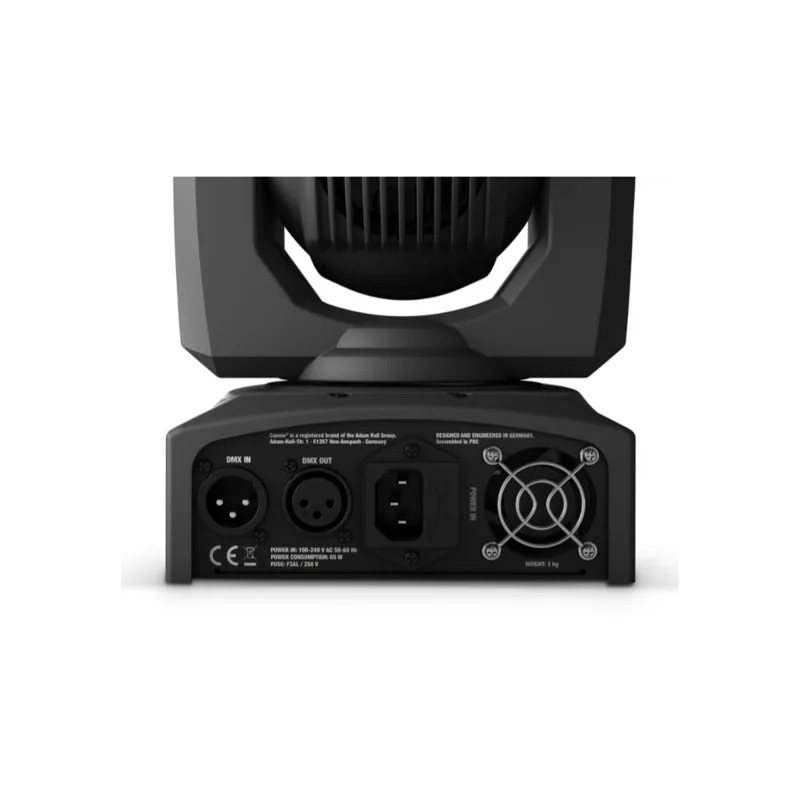
Verbinden Sie DMX OUT des ersten Geräts mit DMX IN des nächsten Geräts bis alle Einheiten seriell verbunden sind.
Ist diese Antwort hilfreich?
Ja, Sie können die Display-Orientierung in Erweiterten Einstellungen für Decken- oder Überkopf-Montageszenarien invertieren.
Ist diese Antwort hilfreich?
Vorteile und Nachteile
Vorteile

- Leistungsreiches 60 W RGBW-Quad-LED-System liefert intensiven Lichtausgang für Events.
- Kompaktes Schwenk- und Neigekopf-Design bietet breite Pan- und Tilt-Fähigkeit für Vielseitigkeit.
- Eingebautes Mikrofon ermöglicht automatische Bewegungssteuerung über Sound-Empfindlichkeit.
- Fünf verschiedene DMX-Modi bieten Flexibilität für verschiedene Lichtsteuerungsbedürfnisse.
- Enthält Omega-Halterung und Sicherungsöse für einfache und sichere Installation.
Nachteile

- Deckenmontage erfordert umfangreiche Erfahrung und professionelle Strukturberechnung.
- Gerät strikt für den Innenbereich bestimmt und nicht geeignet für Outdoor-Wetter.
- DMX-Kette ist auf 32 Einheiten für Signalsicherheit beschränkt.
- Sicherungsaustausch erfordert exakte Typ- und Rating-Übereinstimmung mit Spezifikationen.
- Lüftergeräusch kann in sehr ruhigen akustischen Umgebungen wahrnehmbar sein.
Produkt Spezifikation
Strahlmuster
Strahl
Lichtquelle
LED
Leistungsaufnahme
60 W
Strahlwinkel
5°
Schwenkwinkel
540°
Neigungswinkel
240°
Farbmischung
LED (RGBW)
Effekte
Dimmer, Strobe
Steuerung
DMX (14 Kanäle), Musiksteuerung, Master/Slave
Abmessungen
14,50x24,00x15,49 cm (BxHxT)
Gewicht
3,00 kg
Produkt Beschreibung
Entdecken Sie die Leistung des Cameo NanoBeam 600
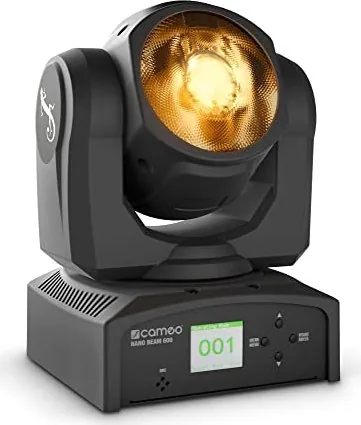
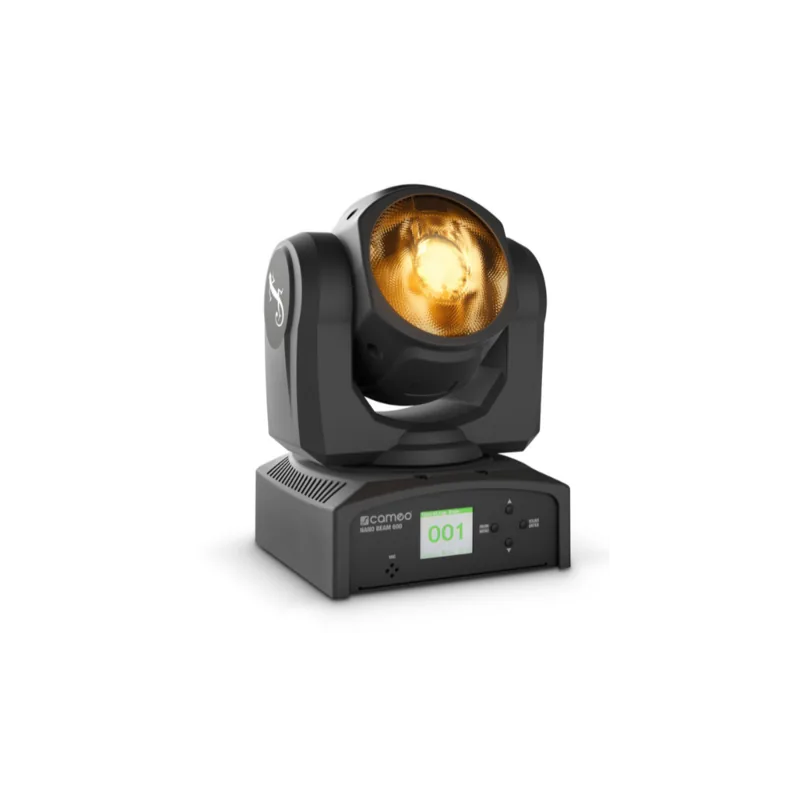
Beleuchtungsprofis und Enthusiasten wissen, dass Zuverlässigkeit und Leistung von höchster Bedeutung sind. Das Cameo NanoBeam 600 sticht als kompakte Lösung für Bühnenlicht hervor. Diese Leuchte mit Schwenk- und Neigekopf verfügt über ein robustes 60 W RGBW-Quad-LED-System, das intensiven Lichtausgang liefert. Es bietet 140.000 lx in einem Meter und sorgt für Sichtbarkeit über große Veranstaltungslocations. Mit einem engen Strahlwinkel von 4,6 Grad erzeugt es scharfe Lichtstrahlen, die perfekt für Akzentbeleuchtungsbedürfnisse sind. Das Gerät ist für den Innenbereich bestimmt und arbeitet in einem weiten Spannungsbereich von 100 bis 240 V AC.
Bedienung und Steuerung
Die Beherrschung dieser Ausrüstung ist für die optimale Nutzung unerlässlich. Besitzer sollten sich mit den physischen Steuerelementen vertraut machen, die sich am Gehäuse befinden. Das LC-Display bietet klares Feedback zu aktiven Modi und verfügbaren vollständigen Systeminformationen. Bediener können durch Menüeinstellungen navigieren, indem sie dedizierte Tasten für Wertänderungen verwenden. DMX-512-Steuerung ermöglicht nahtlose Integration in komplexe Lichtinstallationen. Es stehen fünf verschiedene DMX-Modi für Flexibilität während Shows zur Verfügung. Sie reichen von drei Kanälen bis zu vierzehn Kanälen, abhängig von der Steuergranularität. Master- und Slave-Operationen ermöglichen synchronisierte Shows ohne komplexe Konsolen. Standalone-Programme laufen vorkonfigurierte Farb- und Bewegungssequenzen automatisch ab.
Sicherheit und Wartung
Die richtige Einrichtung gewährleistet Langlebigkeit und schützt die Investition. Das Gerät enthält einen geräuscharmen Lüfter zum Kühlen im Betrieb. Belüftungsschlitze dürfen niemals blockiert werden, um Überhitzung zu vermeiden. Halten Sie das Gerät von Wasserquellen und brennbaren Materialien fern. Installation erfordert stabile Befestigungsteile, um das Gewicht sicher an Ort und Stelle zu halten. Verwenden Sie die mitgelieferte Omega-Halterung für Traverse-Montage auf Bühnen. Sichern Sie das Gerät immer mit einem Sicherungskabel, um Stürze zu verhindern. Betreiben Sie das Gerät niemals, ohne Kabel auf Beschädigungen zu prüfen. Trennen Sie die Stromversorgung vor der Reinigung oder internen Wartung.
Erste Schritte und Installation
Um das Produkt effektiv vollständig zu nutzen, ist das Verständnis der Kerneinstellungen für alle Neueinsteiger der Schlüssel. Sie können DMX-Startadressen einfach über das Menüsystem anpassen. Sound-Steuerung über ein eingebautes Mikrofon fügt dynamische Bewegung basierend auf Bass-Signalen hinzu. Erweiterte Einstellungen ermöglichen das Umkehren von Pan- oder Tilt-Richtungen für benutzerdefinierte Montage. Die Display-Orientierung kann für Montage-Szenarien an der Decke invertiert werden. Halten Sie sich immer an die strengen Sicherheitsrichtlinien, die bei Zugriff auf das Cameo NanoBeam 600 Handbuch online gefunden werden. Dies gewährleistet Sicherheit und maximiert die Lebensdauer Ihrer Investition in Technologie. Denken Sie daran, lokale Spannungsanforderungen sorgfältig zu prüfen, bevor Sie an Stromnetze anschließen. Dieser Schritt verhindert Schäden durch falsche Eingangsspannung. Behalten Sie schließlich die Verpackung, um beim Transport zu schützen. Das Gewicht liegt unter 3 Kilogramm und macht es tragbar.
Suche nach 67.706 Bedienungsanleitungen online


Marke oder Modell eingeben